
Eslabong · Setups · Platform
Eslabong System Requirements - Best Team on Windows
Eslabong system requirements: the Windows minimum and recommended tiers, the storage figure each tier lists, and the partial controller support tagged.
By the Gamebase team · Updated 2026-10-06
On this page (11)
- The two published tiers
- Controller support and comfort tags
- What an Early Access configuration means
- How to read the tiers
- Reading comfort tags as part of the requirements
- Where to go next
- What are the minimum requirements?
- What does the recommended tier add?
- How much storage does Eslabong need?
- Is a controller supported?
- Do the requirements change in Early Access?
Eslabong publishes a minimum and a recommended Windows tier, and the two disagree on storage: the minimum asks for 2 GB and the recommended asks for 5 GB. Both tiers are reproduced below exactly as listed, and the listing also tags partial controller support.
The two published tiers
| Component | Minimum | Recommended |
|---|---|---|
| Operating system | Windows 10 (64-bit) | Windows 10 / 11 (64-bit) |
| Processor | Intel Core i3-2100 / AMD FX-4300 | Intel Core i5-4460 / AMD Ryzen 3 1200 |
| Memory | 8 GB RAM | 16 GB RAM |
| Graphics | Intel HD Graphics 4000 | NVIDIA GTX 750 Ti / AMD Radeon R7 260X |
| Storage | 2 GB available space | 5 GB available space |
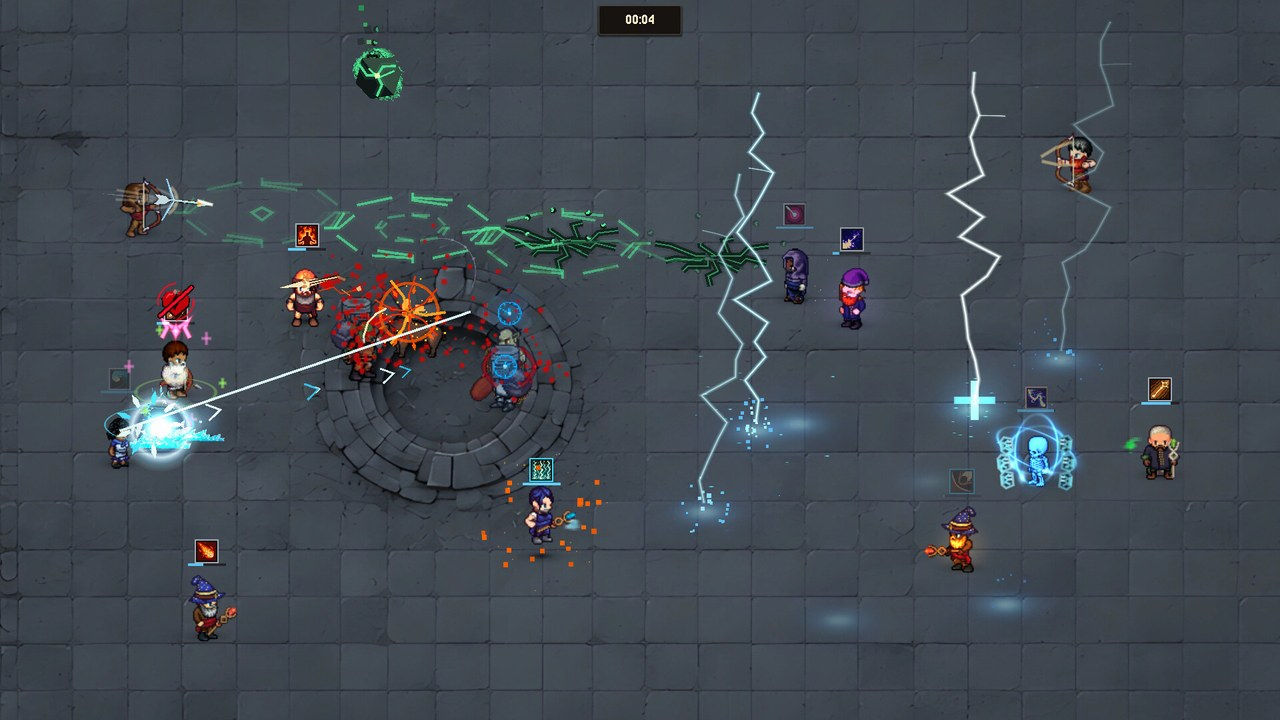
The storage mismatch is the one item worth flagging rather than silently harmonising: 2 GB on the minimum and 5 GB on the recommended is what the store page says, and this page will not pick one for the developer.
Controller support and comfort tags
- Partial Controller Support, with DualShock and DualSense support named separately
- Adjustable Text Size, Camera Comfort and Color Alternatives
- Contrast controls and Custom Volume Controls
- Adjustable Difficulty, and playable at your own pace
- Save Anytime, plus Steam Cloud
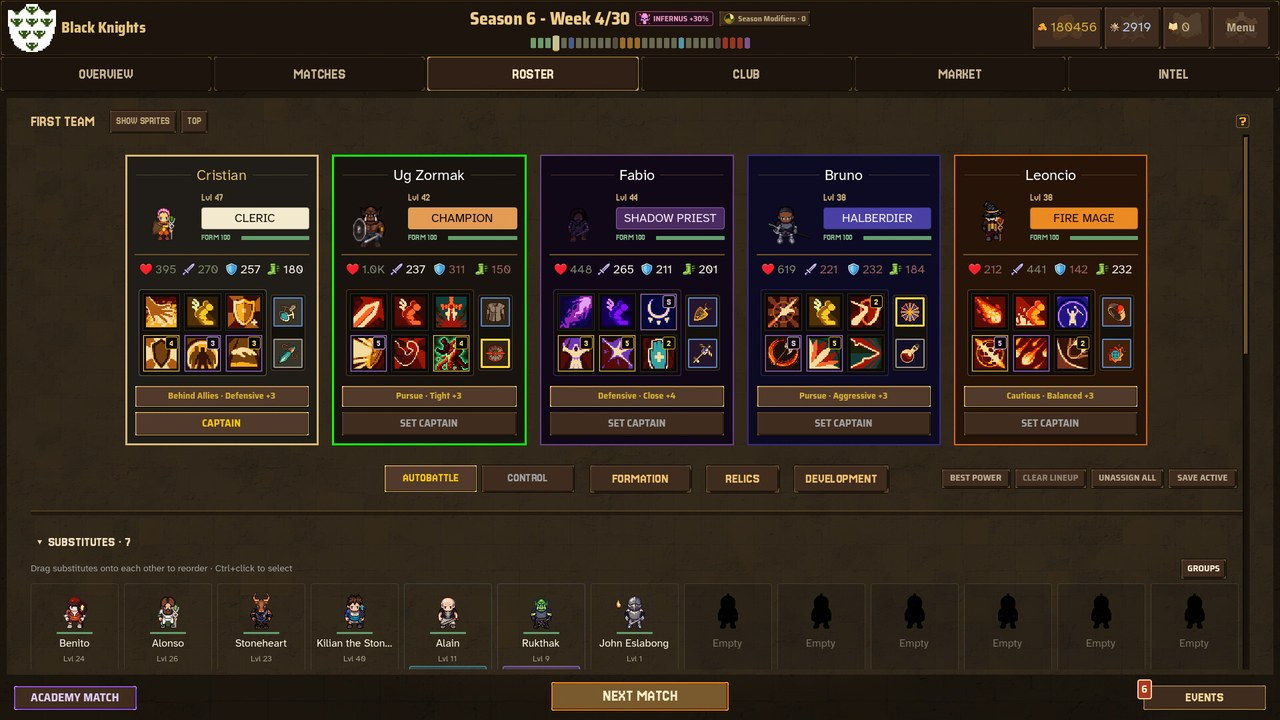
The comfort tags matter more than usual here, because an arena game with real-time ability aiming is the sort of gamepad case that partial support describes.
What an Early Access configuration means
Requirements published during Early Access describe one build, not a final one. There is no frame-rate target, no resolution list and no upscaling technology named on the page.
How to read the tiers
Use the minimum as the developer's stated floor and the recommended as the tier the listing itself favours. Nothing beyond that is published, and a best team assembled on a machine that only meets the minimum should expect to tune settings rather than assume a frame rate.
Reading comfort tags as part of the requirements
For an arena game with real-time aiming, the accessibility and comfort tags on this listing do as much work as the hardware table. Adjustable Text Size, Camera Comfort, Color Alternatives and contrast controls are all published, alongside Custom Volume Controls and Adjustable Difficulty.
The pace tags matter most for a requirement of a different kind: the listing says the game is playable at your own pace and playable without timed input, and separately offers Adjustable Difficulty. Whether those apply to the tactics layer, the direct-control layer or both is not stated. What is stated is that they exist, which makes this one of the more granular tag sets for a game of its size.
Where to go next
The platform and pricing facts are on Availability, the launch record is on Launch & Demo, and the systems overview is on How It Plays.
FAQ
What are the minimum requirements?
Windows 10 64-bit, an Intel Core i3-2100 or AMD FX-4300, 8 GB RAM, Intel HD Graphics 4000 and 2 GB of storage.
What does the recommended tier add?
Windows 10 or 11 64-bit, an Intel Core i5-4460 or Ryzen 3 1200, 16 GB RAM and a GTX 750 Ti or R7 260X.
How much storage does Eslabong need?
The minimum lists 2 GB and the recommended lists 5 GB, as published.
Is a controller supported?
Partially. The listing tags Partial Controller Support, with DualShock and DualSense support named separately.
Do the requirements change in Early Access?
They describe one build; the store page states no plan for changes.
References
- Steam store page — Eslabong
- Steam appdetails API (cc=us, l=en) — Eslabong
- Developer site (eslabong.com)
- Steam news hub — app 4560660
Facts on this page are compiled from the references above. Items marked "to confirm" are single-source and not yet verified.