
Seafarer: The Ship Sim · Setups · Platform
Seafarer: The Ship Sim System Requirements - How to Refuel and Set Up
Seafarer: The Ship Sim system requirements: the published Windows minimum and recommended tiers, the 42 GB install and how to refuel once the game runs.
By the Gamebase team · Updated 2026-10-06
On this page (11)
- The published minimum, row by row
- The recommended tier as published
- What the requirement text leaves out
- How to refuel and set up the client
- Practical setup notes
- Where to go next
- What are the minimum requirements?
- Is there a recommended specification?
- How much disk space is needed?
- Is a dedicated graphics card required?
- Is there a macOS requirement list?
Seafarer: The Ship Sim publishes both a minimum and a recommended tier, and the recommended tier asks for 64 GB of RAM and a 12 GB graphics card. Both tiers require a dedicated graphics card and 42 GB of storage, so integrated graphics are ruled out by the listing.
The published minimum, row by row
| Requirement | Published value |
|---|---|
| Operating system | Windows 10 64-Bit |
| Processor | Intel Core i3-12100F or AMD Ryzen 5 3600 |
| Memory | 16 GB RAM |
| Graphics | RTX 2060 6 GB or RX 5600 XT 6 GB |
| DirectX | Version 12 |
| Storage | 42 GB available space |
| Additional notes | A dedicated graphics card is required |
The 16 GB memory floor at the minimum is already above the common 8 GB default, which fits an open-world sim with dynamic weather and current simulation.
The recommended tier as published
The recommended block moves to 64-bit Windows 11, an AMD Ryzen 9 7900 or Intel equivalent, 64 GB of RAM, and an RTX 4070 with 12 GB or an RX 7950 with 16 GB.
Memory is the striking figure. Quadrupling the minimum to 64 GB is a much steeper jump than the graphics step, and the listing gives no measured reason for it. Storage stays at 42 GB and the dedicated card note is repeated.
What the requirement text leaves out
- No resolution or frame-rate target on either tier.
- No mention of Steam Deck verification or compatibility.
- No network requirement, even though online co-op is tagged.
- No Linux or macOS list, because no such build is listed.
The missing network line is the most practical gap for a crew game, because online co-op is tagged and the store page lists a crew of up to four without saying what connection it expects.
How to refuel and set up the client
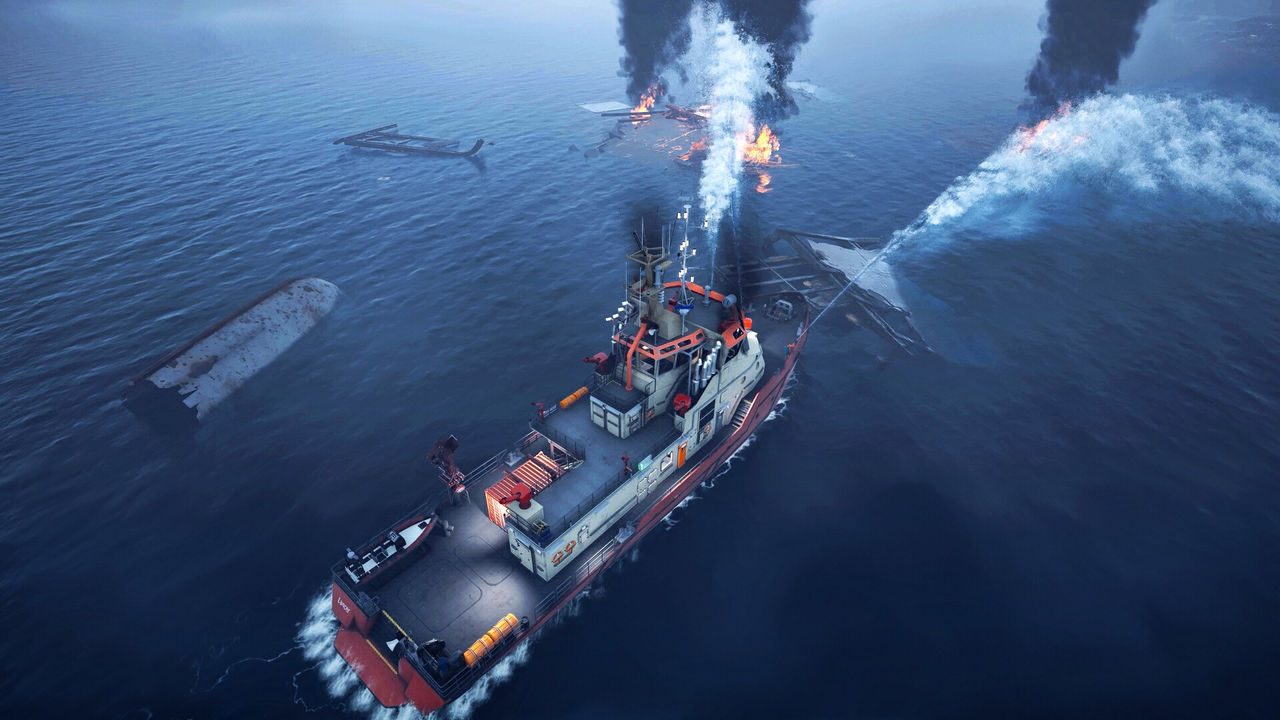
No refuelling system is described on the store page, so the requirement text cannot be matched to one either. What the listing does say is that the onboard tools are cranes, water cannons, drones and rescue equipment, and all of them run on this single Windows build rather than on an add-on.
Controller support is tagged as full, which matters for a helm-based game played on a couch or with a wheel or pad.
Practical setup notes
The safest reading of the two tiers is to treat memory and the dedicated-card note as the real bars. A machine with 16 GB of RAM and an RTX 2060 sits exactly on the published minimum, while the recommended tier asks for four times that memory.
Because no frame-rate target exists, there is no official measure of what the minimum feels like once weather, currents and traffic are all active. DirectX 12 is required on both tiers, so the platform floor is modern rather than legacy.
Where to go next
The platform and DLC picture is on Availability, the job systems are on How It Plays, and the beginner route is on New Player Guide.
FAQ
What are the minimum requirements?
Windows 10 64-bit, an Intel Core i3-12100F or AMD Ryzen 5 3600, 16 GB RAM, an RTX 2060 6 GB or RX 5600 XT 6 GB and 42 GB of storage.
Is there a recommended specification?
Yes. 64-bit Windows 11, an AMD Ryzen 9 7900 or Intel equivalent, 64 GB RAM, an RTX 4070 12 GB or RX 7950 16 GB and 42 GB of storage.
How much disk space is needed?
42 GB available space on both the minimum and the recommended tier.
Is a dedicated graphics card required?
Yes. The additional notes on both tiers state that a dedicated graphics card is required.
Is there a macOS requirement list?
No. A Windows build is listed and the requirement text covers that build only.
References
- Steam store page — Seafarer: The Ship Sim
- Steam appdetails API (cc=us, l=en) — Seafarer: The Ship Sim
- Official site (astragon Entertainment) — Seafarer: The Ship Sim
- Voyager Pack (app 4813460) — Seafarer: The Ship Sim
- Steam news hub — app 2582140
Facts on this page are compiled from the references above. Items marked "to confirm" are single-source and not yet verified.