
Warlord: Awaji · Setups · Guide
Warlord: Awaji System Requirements - Two Tiers and How to Trade
Warlord: Awaji system requirements: both published tiers, the 16 GB memory floor, the 6 GB install and the published position on how to trade.
By the Gamebase team · Updated 2026-10-06
On this page (10)
Warlord: Awaji system requirements are published in two tiers, and the surprising row is memory: 16 GB at minimum and 32 GB recommended, on a game that only asks for 6 GB of storage.
Minimum against recommended
The two tiers differ in operating system, processor, memory and graphics, and agree on storage. Both lists are short by the standards of the other games covered here.
| Component | Minimum | Recommended |
|---|---|---|
| OS | Windows 10 64-bit | Windows 11 64-bit |
| Processor | Intel i5 9th generation | Intel i7 11th generation |
| Memory | 16 GB RAM | 32 GB RAM |
| Graphics | NVIDIA GeForce GTX 2060 | NVIDIA GeForce RTX 3070 |
| Storage | 6 GB available space | 6 GB available space |
| DirectX | not published | not published |
Two omissions stand out. No DirectX version is listed at either tier, and no AMD graphics option is offered even at minimum, which is rare.
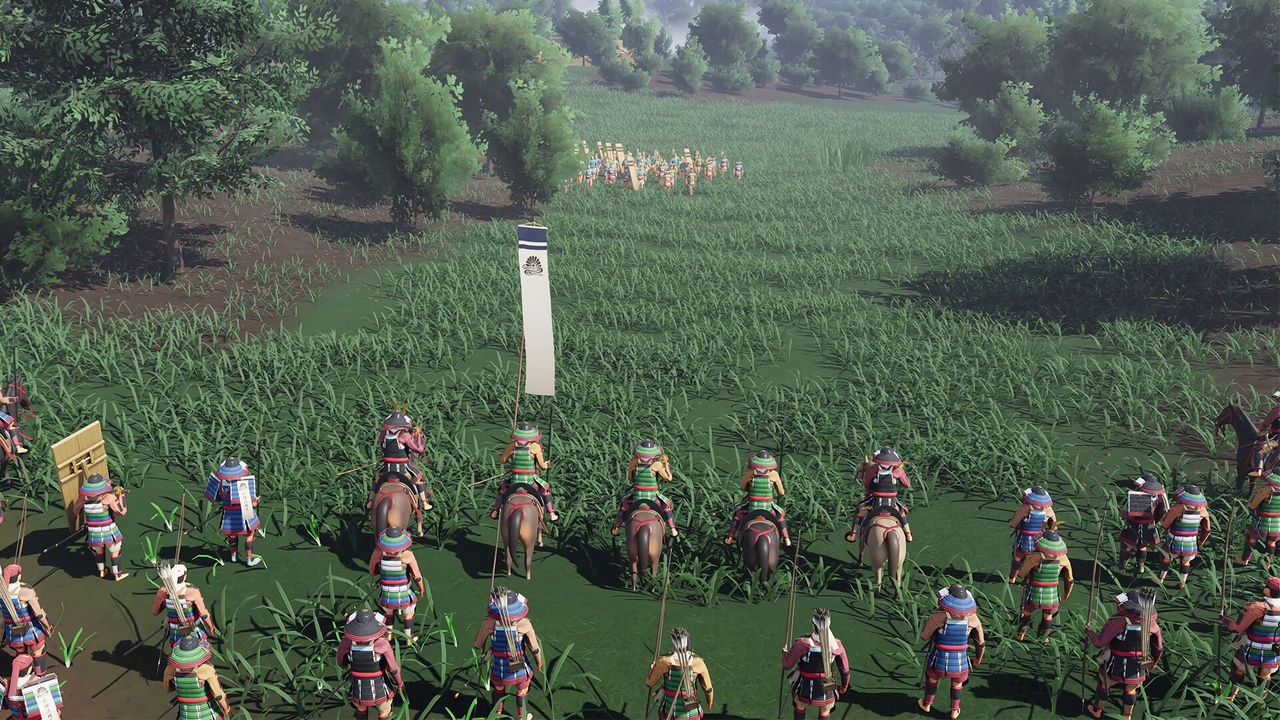
Memory and storage do not match
A 16 GB memory floor with a 6 GB install is an unusual pairing. The most likely reading is that the load is in simulation and terrain streaming rather than in stored assets, and the memory requirement is what the world costs to run.
What the table does not explain is why. There is no note about streaming, no mention of asset size and no guidance about an SSD.
- No resolution target is published.
- No frame rate target is published.
- No upscaling technology is named.
- No AMD or integrated graphics option is listed.
- No network requirement appears, matching the single-player tag.
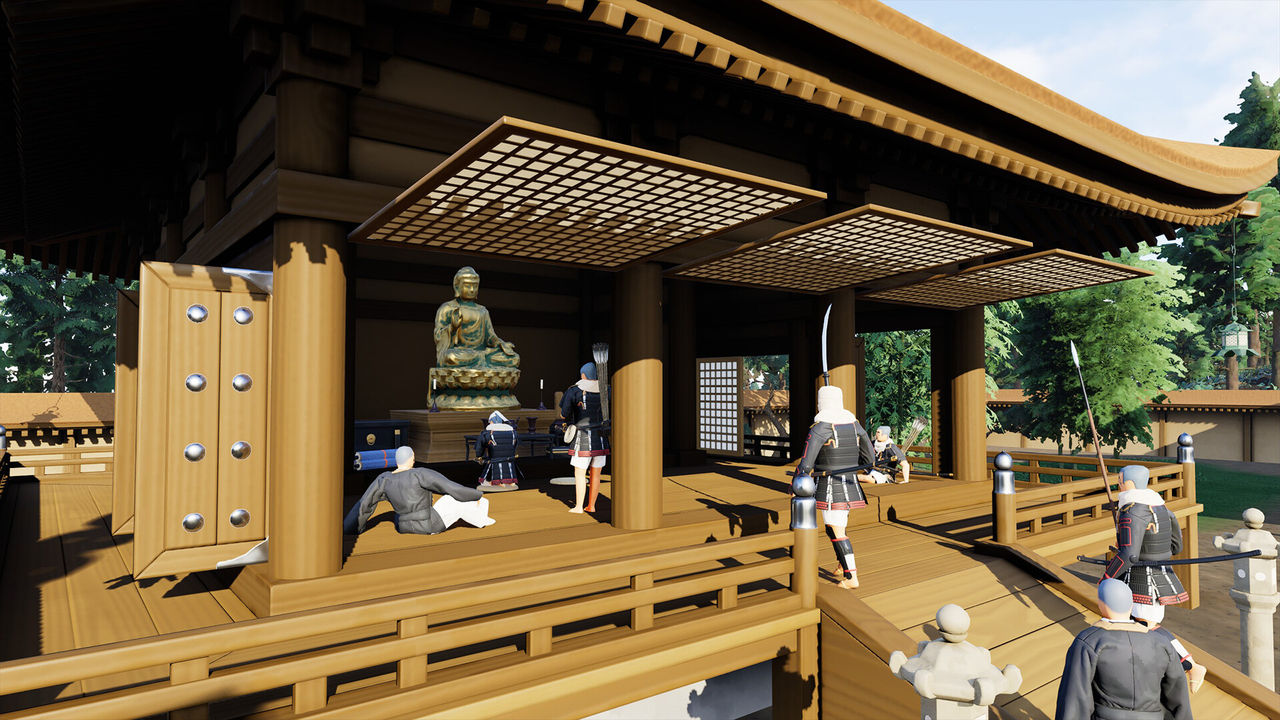
A Windows 11 recommendation
The recommended tier names Windows 11 while the minimum names Windows 10, which is the only place the operating system version moves between tiers in this batch. Both are 64-bit.
The 6 GB storage figure applies to whichever tier you use, and it is the same for the single listed build.
The accessibility and comfort flags on the listing are worth reading beside the spec table: adjustable text size, colour alternatives, custom volume controls, adjustable difficulty, playable without timed input and save anytime are all listed. None changes the hardware floor, but together they describe a game built to run on a wide range of machines.
How to trade, and hardware
Nothing in the spec sheet touches the game's economy. There is no server requirement, no cloud requirement and no second install for any additional content.
How to trade stays a design question rather than a hardware one: the store page documents no trade system, and the published loop is recruiting, promoting and capturing shrines.
Where to go next
The Windows-only build and the missing controller tag are on Availability, the systems that run on this hardware are on How It Plays, and the store figures are on Cheat Sheet.
FAQ
What are the minimum requirements?
Windows 10 64-bit, an Intel i5 9th generation, 16 GB RAM, an NVIDIA GTX 2060 and 6 GB of storage.
What are the recommended requirements?
Windows 11 64-bit, an Intel i7 11th generation, 32 GB RAM, an NVIDIA RTX 3070 and 6 GB of storage.
How much memory does it need?
16 GB at minimum and 32 GB recommended, the highest memory floor of the four games in this batch.
How much storage is needed?
6 GB available space at both tiers, which is unusually small for an open world game.
Is DirectX listed?
No DirectX version is published in either tier of the spec table.
References
- Steam store page — Warlord: Awaji
- Steam appdetails API (cc=us, l=en) — Warlord: Awaji
- Developer site (Darkmatter Games)
- Steam news hub — app 3123060
Facts on this page are compiled from the references above. Items marked "to confirm" are single-source and not yet verified.